Step 1 — Source Image
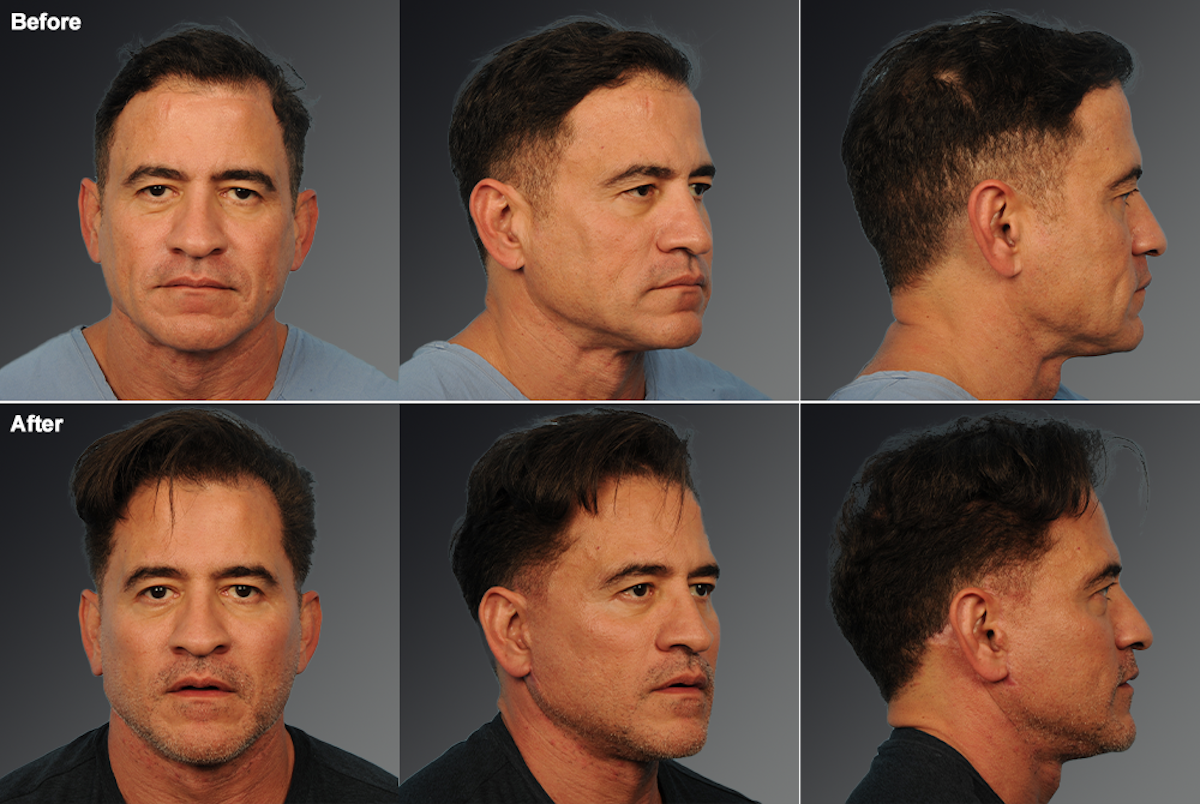
The Original Composite (6-Panel Grid)
This is the single image as it exists in DatoCMS. It contains 6 views arranged in a 3×2 grid: top row is "Before" (front, 3/4, profile), bottom row is "After" (front, 3/4, profile).
S3 Hub — Dr. Steven Teitelbaum | Extracting individual views from composite before/after grids
This is the single image as it exists in DatoCMS. It contains 6 views arranged in a 3×2 grid: top row is "Before" (front, 3/4, profile), bottom row is "After" (front, 3/4, profile).
Each card below uses the exact same image URL — no server-side processing needed.
CSS object-fit + object-position crops each panel. The image is scaled to 300% width
and 200% height, then positioned to reveal only one cell of the 3×2 grid.
All 6 cards above load from one single image URL — zero additional server requests
Instead of showing the full composite grid, the Hub gallery card shows just the "After — 3/4 View" as a clean, focused thumbnail. Click it to open the comparison slider.
object-position: 50% 100% targets
the center column, bottom row of the 3×2 grid.?w=400&h=500&fit=crop&crop=bottom,center) if you want smaller payloads.layout_type (6-panel, 2-panel, 4-panel) and the CSS crop map is applied automatically.
When a patient clicks a thumbnail, they get this slider. Drag the handle to compare. Switch between viewing angles — all from the same single image.
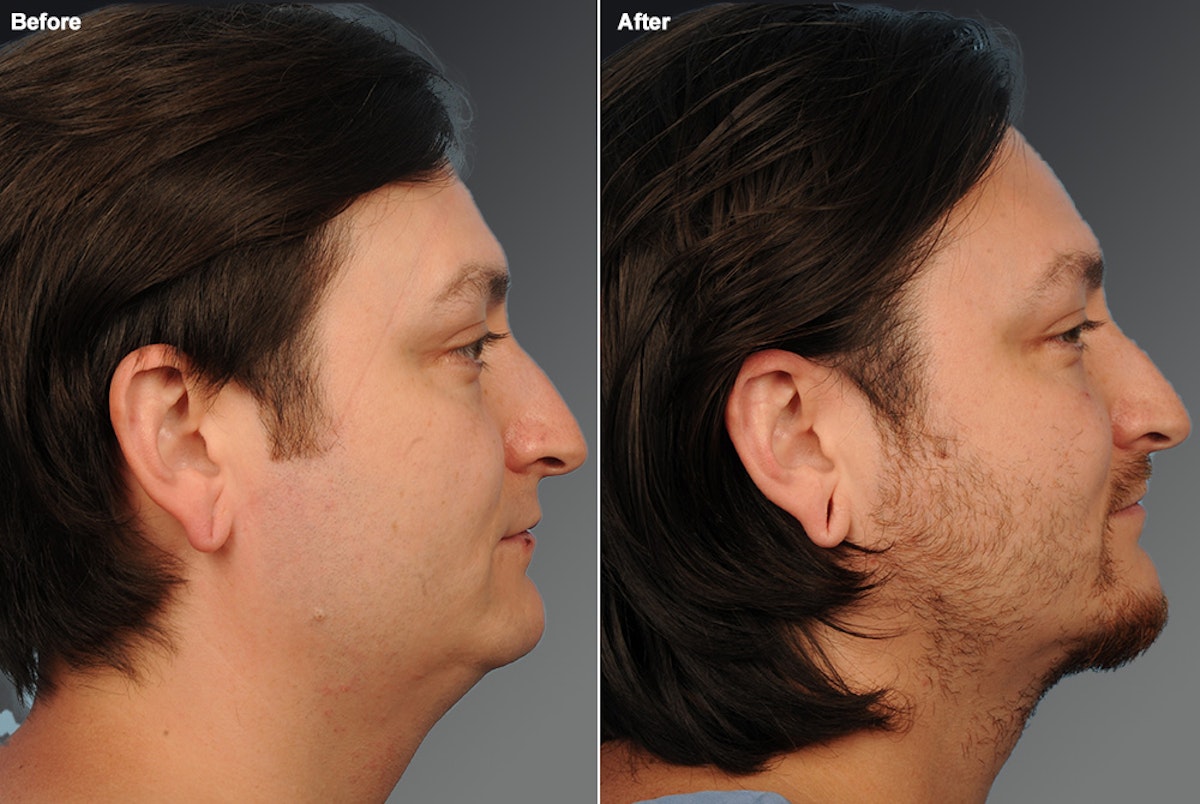
Some gallery images use a simpler 2-panel layout (Before left, After right).
The same CSS masking technique works — just with width: 200% instead of 300%.